
5 Proactive Habits to Extend Your Computer's Lifespan by Years
Heat is the silent killer of every computer component, and most of us are unknowingly cooking our devices into an early grave. A 2024 hardware durability study found that every 18°F (10°C) increase in operating temperature cuts the lifespan of processors and hard drives by 50%. The biggest culprit? Blocked vents—dust, lint, and crumbs build up over time, turning your computer’s cooling system into a useless relic. For laptops, this means ditching the bed or couch; always use a hard, flat surface or a cooling pad to keep air flowing. Desktops need annual deep cleans too—grab a can of compressed air and blast out dust from the case, fans, and heat sinks. It’s a 10-minute task that prevents overheating, crashes, and costly hardware failures down the line. Your computer isn’t a marshmallow—stop roasting it.
Laptop batteries are designed to degrade, but bad habits speed up the process faster than you can say “low power mode.” Lithium-ion batteries hate two things: being stuck at 100% charge 24/7 and extreme heat. A 2023 battery research report showed that keeping a laptop plugged in constantly reduces its battery capacity by 30% after just one year. The fix is simple: enable your device’s built-in battery protection mode (most let you cap charging at 80%), and unplug once you hit that mark. Every few months, run a full discharge cycle—let the battery drain to 10% (not 0%, which is harsh) then recharge to 100%—to calibrate the meter. And never charge your laptop in a hot car or direct sunlight; high temps while charging are a one-way ticket to a swollen, useless battery. Treat your battery like a houseplant—give it room to breathe, and it’ll thrive.
Your laptop isn’t a football, so stop treating it like one. A 2024 mobile tech survey found that 40% of laptop failures are due to physical damage—cracked screens, broken hinges, and fried ports from rough handling. Investing in a quality shock-absorbent sleeve or case costs $20-$30, but it’s cheaper than a $200 screen replacement or $150 hinge repair. When plugging in USB cables or power adapters, use a gentle grip—yanking cords out like you’re pulling a sword from a stone bends ports over time. For desktops, keep the tower in a stable spot where it won’t get knocked over, and avoid stacking heavy objects on top. Physical damage is 100% preventable, and a little care goes a long way toward keeping your computer intact for years.

Voltage spikes and power surges are the hidden villains that fry motherboards and power supplies without warning. A 2023 electrical safety study revealed that 20% of computer hardware failures are caused by unstable electricity—from lightning storms to faulty wiring in old buildings. A basic power strip won’t cut it; you need a surge protector with a joule rating of at least 600 (the higher, the better) to absorb sudden voltage spikes. Look for models with indicator lights that show if the protection is still active—surge protectors wear out over time, so replace them every 3-5 years. It’s a $15-$25 investment that shields your $1,000+ computer from irreversible damage. Think of it as a bulletproof vest for your tech—you hope you never need it, but you’ll be glad it’s there when you do.
A dirty computer isn’t just gross—it’s a performance killer. Dust in the keyboard clogs keys, grime on the screen strains your eyes, and debris in ports causes connectivity issues. But cleaning your computer requires a gentle touch—forget paper towels (they scratch screens!) and harsh chemicals (they melt plastic). For the screen, use a microfiber cloth and a small amount of distilled water (or screen-specific cleaner) to wipe away smudges. For the keyboard, turn the laptop upside down and tap gently to dislodge crumbs, then use a soft brush or compressed air to clear out the rest. A 2024 tech maintenance report found that regular cleaning reduces dust-related overheating by 25% and keeps keys responsive longer. It takes 5 minutes once a month, and it turns your grimy, laggy computer back into the sleek machine you bought.
Extending your computer’s lifespan isn’t about buying fancy gadgets or hiring a tech expert—it’s about building small, consistent habits that add up. Managing heat, caring for the battery, avoiding physical damage, using a surge protector, and keeping it clean: these five steps cost next to nothing, but they can add 2-3 years of reliable use to your device. A 2024 consumer finance study found that users who follow these habits save an average of $400 per year by skipping premature upgrades and costly repairs. Your computer works hard for you—whether you’re working, gaming, or binging shows—so it’s only fair to return the favor.
At the end of the day, your computer is only as durable as the care you put into it. You don’t need to be a tech whiz to keep it running smoothly; you just need to be proactive. Ditch the bad habits that kill hardware, invest in cheap protective gear, and make maintenance a regular part of your routine. Your wallet (and your sanity) will thank you when you’re not scrambling to replace a dead computer right before a big deadline. A little TLC goes a long way—your computer will reward you with years of loyal service, and you’ll avoid the hassle and expense of constant upgrades.
MORE FROM WIRED
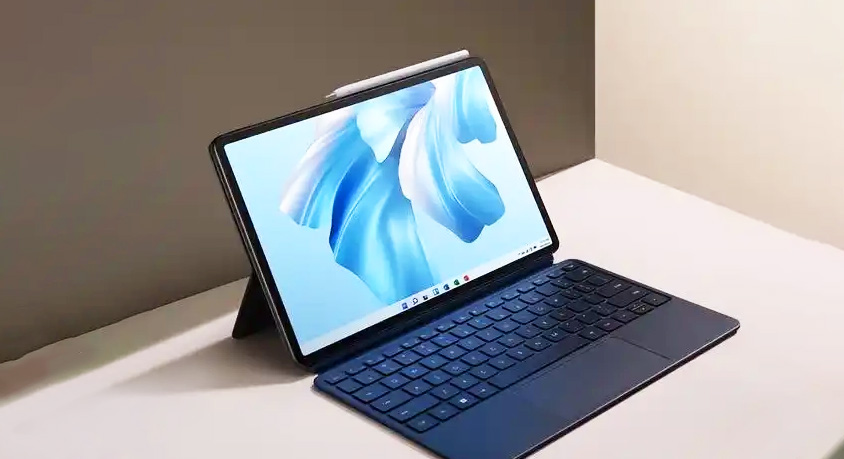
- Huawei MateBook E 2026: 2-in-1 Tablet Laptop for Flexible Scenarios

- What They Don't Tell You About the "Laptop Killer" Foldable Phone

- What happens when an Apple Watch Ultra 3 or rugged phone gets tossed into the dishwasher, buried in snow, or even dropped from a pickup truck?
- Jun,14,2026

- Why Your iPad Pro Can’t Replace Your Laptop (Yet)
- Jun,13,2026
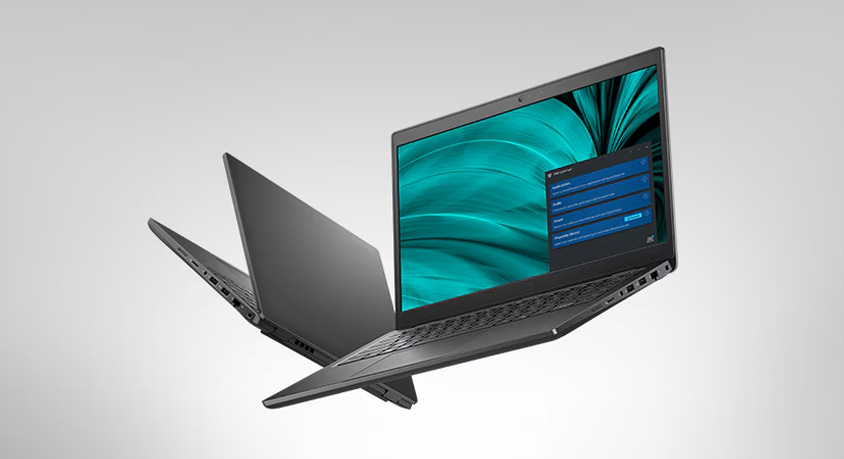
- Dell Latitude 14 2026: Reliable Business Laptop for Mobile Professionals
- Jun,11,2026

- Google Pixel 7: Timeless Minimalism Meets Proven Intelligence
- Jun,10,2026

- OPPO Find X9 Pro Can It Outperform Flagship Rivals
- Jun,09,2026