
Why Your iPad Pro Can’t Replace Your Laptop (Yet)
Let me describe a moment of pure, distilled frustration. It is hour three of assembling a quarterly tax report, a task involving PDFs, spreadsheets, email correspondence, and a web-based filing portal. On the iPad Pro, each lives in its own silo. I need a number from a PDF to input into a spreadsheet, while cross-referencing a deadline from an email. The process involves a frantic ballet of sliding overlays, dragging snippets, and switching full-screen apps. My concentration, that fragile thread, snaps. In that moment, the sublime hardware—the blindingly fast M4 chip, the gorgeous Liquid Retina XDR display—fades into irrelevance. It is just me and a software wall. This was the central revelation of my week-long attempt to replace my MacBook Pro with an iPad Pro for serious work: the gap is not in silicon, but in philosophy.
The experiment was straightforward: one week, only the 13-inch iPad Pro with M4 and the Magic Keyboard. The tasks were deliberately unglamorous: editing a 15-minute multi-track documentary project in LumaFusion and preparing a complex personal tax return. On paper, this should be trivial for a device boasting desktop-class architecture. The reality was a series of structured workarounds and unexpected roadblocks. Apple executives have famously questioned, “What’s a computer?” with a tone of provocative dismissal. My week answered: a computer is a system architected for fluid, interconnected, and user-controlled workflows. The iPad Pro, for all its prowess, often feels like a system architected for curated, app-centric consumption and creation.
The hardware is, without doubt, a masterpiece of industrial design. The thinness, the weight, the tactile response of the Magic Keyboard—it all coalesces into an object of desire. The M4 chip renders previews and applies complex color grades in LumaFusion with a speed that feels like sorcery. The display is a window to pristine content. Yet, these superlatives constantly crash against the boundaries of iPadOS. The first major friction point is file management. The Files app remains a facade. While it can access external drives, its handling of complex, nested project folders—like those generated by video editing software—is clumsy. Moving a folder of assets from an external SSD into the iPad’s local storage to improve performance becomes a lesson in patience. There is no clear indication of transfer progress, and the system offers little granular control over file organization across different cloud and local repositories. It feels like managing a library through a keyhole.
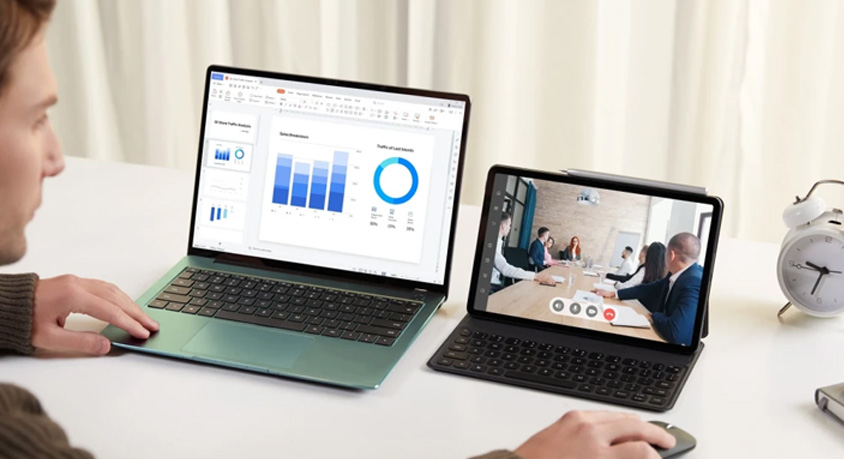
This leads directly to the second constraint: the illusion of multitasking. Stage Manager is Apple’s ambitious attempt to bring windowing to the iPad. In practice, it is a half-measure. Resizing windows is often imprecise. The way app groups behave can be unpredictable, especially when connecting or disconnecting from an external display. When editing video, I wanted a reference email open in a small window, the timeline in another, and the effect controls in a third. On a Mac, this is a trivial setup. On the iPad, it became a delicate arrangement of panels that would sometimes reset or overlap illogically. The cognitive load of managing the workspace itself became a significant tax on productivity. For the tax report, the lack of true, resizable floating windows for the calculator, notes, and spreadsheet made cross-referencing data a tedious back-and-forth, not a fluid analysis.
Then come the software limitations themselves. LumaFusion is arguably the most professional app on iPadOS, and it is brilliant. Yet, it exists on an island. I could not, for instance, easily run a custom script to batch-rename a folder of clips before import, a simple task on macOS with Automator or a shell command. The web experience, critical for the tax portal, is also compromised. While Safari is powerful, many advanced web applications are still built with desktop browser paradigms in mind. Certain form fields or interactive elements did not respond as expected with the trackpad, forcing a reluctant reach for the screen. The platform’s insistence on treating every interaction as primarily touch-centric creates subtle but persistent inefficiencies for keyboard-and-trackpad-driven work.
So, who is this device for? The iPad Pro excels as a phenomenal companion device. For content consumption, note-taking in meetings, sketching, light photo editing on the go, or even robust video editing as a primary activity within a single app, it is unparalleled. Its portability and instant-on nature are genuine advantages. However, as a primary, solitary computing device for heterogeneous, multi-source professional work, it imposes a tax. That tax is measured not in time alone, but in fractured focus and mental overhead.
My week concluded not with a verdict of “bad,” but with a clarified understanding of “different.” The iPad Pro is not a flawed computer; it is a spectacular embodiment of a different computing paradigm—one that prioritizes simplicity, security, and app isolation. The problem arises when we mistake raw hardware capability for systemic capability. Apple’s narrative, embodied in that arrogant “What’s a computer?” question, encourages this confusion. The truth is, for workflows that require stitching together multiple tools, services, and file types into a seamless tapestry, the traditional computer—with its messy, powerful, and user-sovereign desktop OS—remains, for now, irreplaceably efficient. The iPad Pro has closed the hardware gap to zero. The software philosophy gap, however, still feels vast.
MORE FROM WIRED
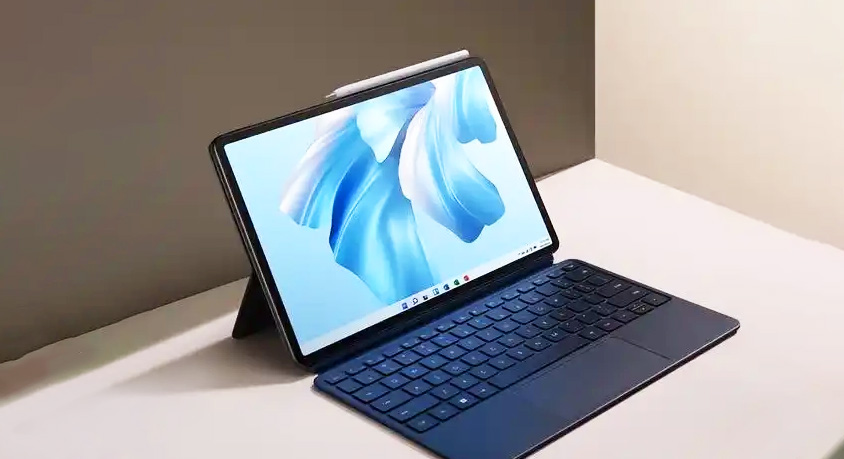
- Huawei MateBook E 2026: 2-in-1 Tablet Laptop for Flexible Scenarios

- What They Don't Tell You About the "Laptop Killer" Foldable Phone
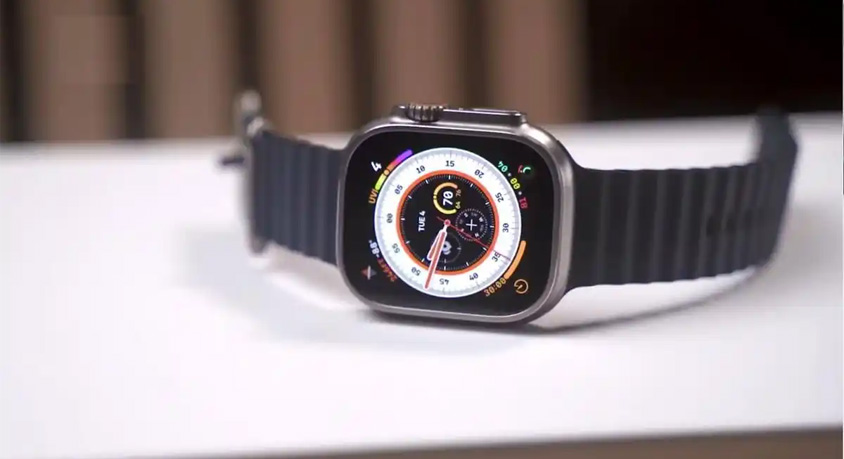
- What happens when an Apple Watch Ultra 3 or rugged phone gets tossed into the dishwasher, buried in snow, or even dropped from a pickup truck?
- Jun,14,2026
- 5 Proactive Habits to Extend Your Computer's Lifespan by Years
- Jun,12,2026
- Dell Latitude 14 2026: Reliable Business Laptop for Mobile Professionals
- Jun,11,2026
- Google Pixel 7: Timeless Minimalism Meets Proven Intelligence
- Jun,10,2026
- OPPO Find X9 Pro Can It Outperform Flagship Rivals
- Jun,09,2026