
Does a Tablet Replace Your Laptop for Work
You’ve seen the ads: “Ditch your laptop—this tablet does it all!” You buy one, excited to work from anywhere, only to find yourself struggling to type a long report, fumbling with file management, and missing the simplicity of a laptop’s interface. Sound familiar? We’ve all been tempted by the idea of a single device that handles work and play, but the truth is, tablets aren’t a one-size-fits-all replacement for laptops—no matter what marketers say.
A 2024 survey by Pew Research Center found that 72% of people who tried using a tablet as their primary work device switched back to a laptop within 3 months. The reason? Tablets are great for consumption—browsing, watching videos, taking notes—but they fall short when it comes to real, productive work. Even with a keyboard attachment, typing for hours on a tablet feels clunky, and multitasking (like having multiple tabs open while editing a document) is far more difficult than on a laptop.
Tablets have undeniable perks, though. They’re ultra-portable—most weigh under 1.5 pounds, lighter than even the slimmest laptops—and their touchscreens make them perfect for note-taking, drawing, or annotating documents. They’re great for on-the-go tasks: checking emails during a commute, taking notes in a meeting, or reviewing files while waiting for a flight. Most modern tablets have sleek, lightweight designs, with thin bezels and bright, high-resolution screens that make reading and watching content a joy. They’re also more affordable than high-end laptops, with many models costing half as much.
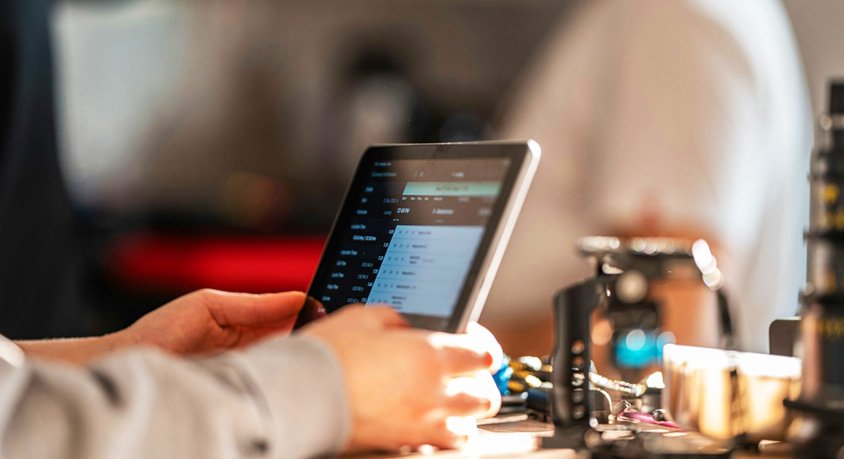
But when it comes to serious work, tablets struggle. Typing a 10-page report on a tablet keyboard is slow and uncomfortable—keys are smaller, and there’s no proper wrist support, leading to fatigue after an hour or two. File management is a hassle, too; tablets are designed for app-based use, so organizing folders, transferring files between devices, and using desktop software (like Adobe Photoshop or Microsoft Excel’s advanced features) is clunky at best. Even simple tasks like printing a document or connecting to a external hard drive require extra steps that laptops handle seamlessly.
Another downside: tablets lack the processing power of laptops. While they’re fine for light tasks, running demanding software or multitasking with multiple apps will cause lag. For example, editing a 10-minute video on a tablet will take twice as long as on a laptop, and you’ll likely experience crashes or slowdowns. They also have limited storage compared to most laptops, meaning you’ll need to rely on cloud storage or external drives for large files.
Who should use a tablet as their primary device? People whose work is mostly light: note-takers, students, casual content consumers, or those who only need to check emails and browse the web. If you’re a freelancer, remote worker, or anyone who does heavy typing, editing, or multitasking, a tablet is a great secondary device—but not a replacement for a laptop.
Laptops still reign supreme for productive work: they have full-size keyboards, powerful processors, easy file management, and access to all desktop software. A tablet can complement a laptop, making it easier to work on the go, but it can’t replace the functionality that a laptop offers.
The mistake most people make is buying into the “one device fits all” myth. A tablet is a fantastic tool for specific tasks, but it’s not a laptop. When shopping for a work device, focus on what you actually do: if you type a lot, need powerful software, or multitask heavily, stick with a laptop. If you need portability for light tasks, a tablet is perfect. Don’t let ads trick you into replacing a tool that works with one that doesn’t—use each device for what it does best.
MORE FROM WIRED
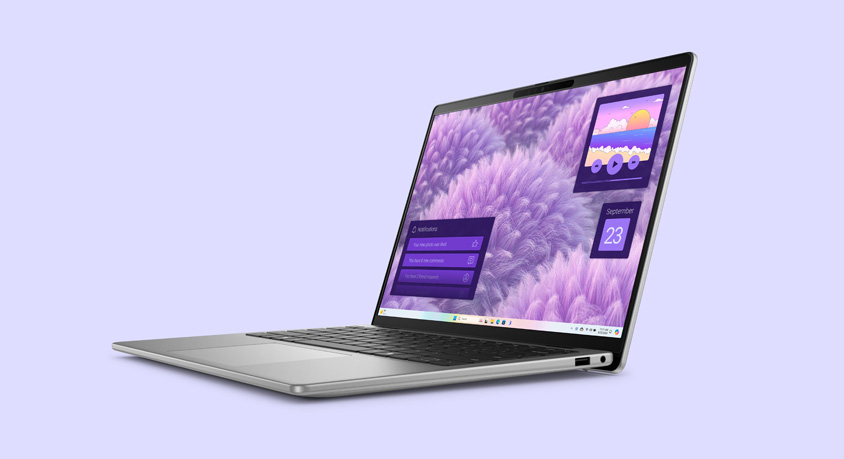
- Dell Inspiron 14 Plus 2026: Lightweight Premium Laptop for Urban Daily Productivity
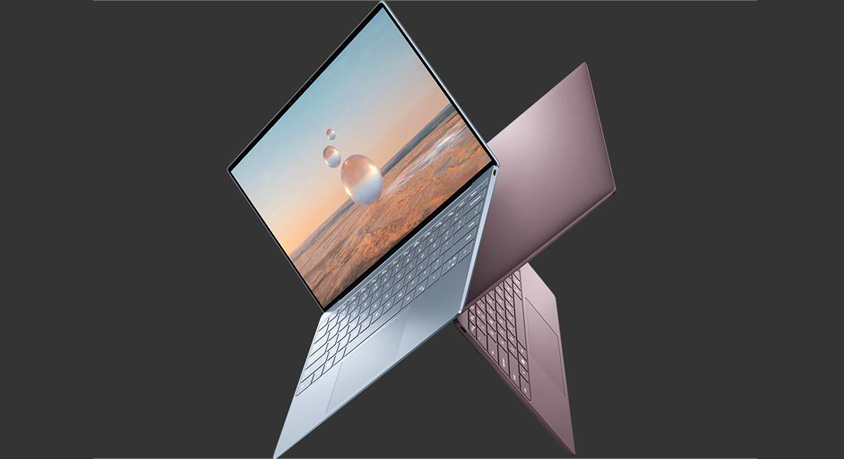
- Dell XPS 13 (2025) Review: Premium Ultrabook, But Not Perfect for Everyone

- Fast Router Never Fixes Slow Home Network
- Jun,03,2026

- OPPO A3 Pro Is It The Best Budget Waterproof Phone
- Jun,02,2026
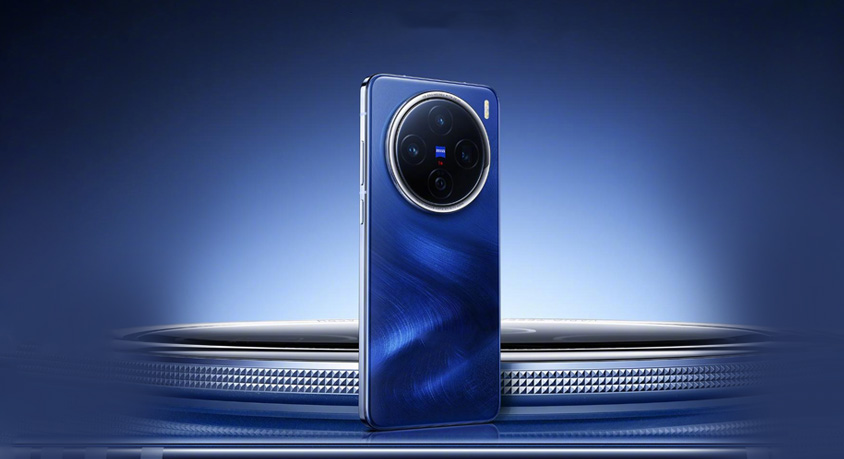
- vivo X200 Pro: The All-Rounder That Excels in Every Department
- Jun,01,2026
- Is the vivo S50 the Most Balanced Midrange Phone of 2026
- May,31,2026
- vivo Y600 Pro: The Endurance King That Redefines Budget Phones
- May,30,2026